Needle Docs
Build 3D web projects, work with your editor, and find tools for optimization, debugging, and deployment.
Find your next step
For concepts and architecture, browse Explanations.
Tools and workflows
- Needle Engine - Overview, features, and examples. New to the engine? Read why it exists.
- Unity, Blender, and three.js - Set up your preferred workflow.
- Needle Mesh Baker - Reduce geometry, bake materials, and optimize models.
- Needle Inspector - Inspect and debug live three.js scenes in Chrome DevTools.
- AI tools - Set up coding assistants and connect them to live scenes with the Needle MCP Server.
- Needle Cloud - Host projects and manage assets and licenses.
Help and updates
Find answers in the FAQ or visit Help & Community for support.
What's new
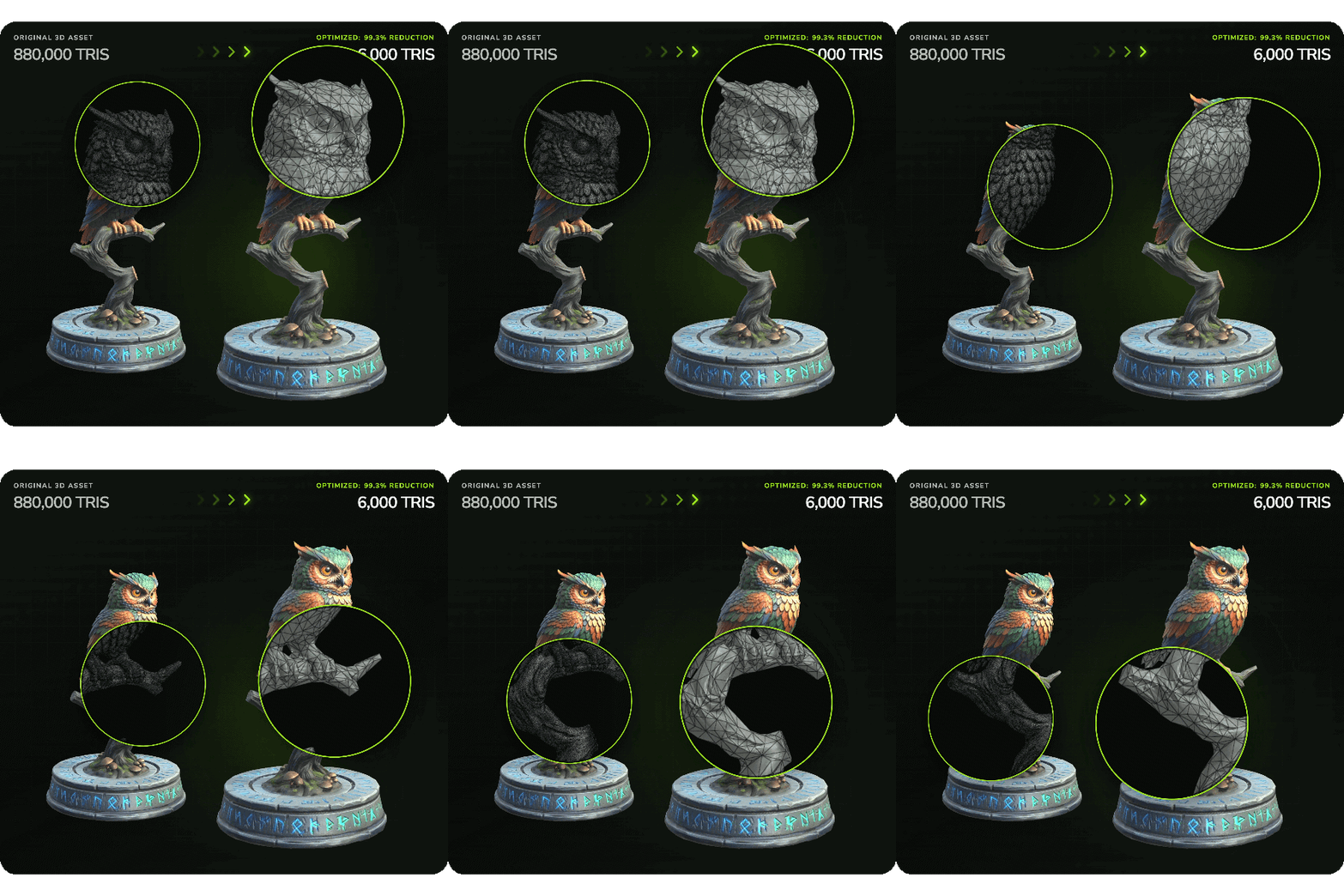
Introducing: Needle Mesh Baker
Turn heavy 3D models into production-ready assets, in your browser. 880,000 triangles down to 6,000 in seconds — geometry reduced, the original's detail baked into PBR textures, and nothing ever uploaded. Ideal for sculpts, scans, CAD and AI-generated models.
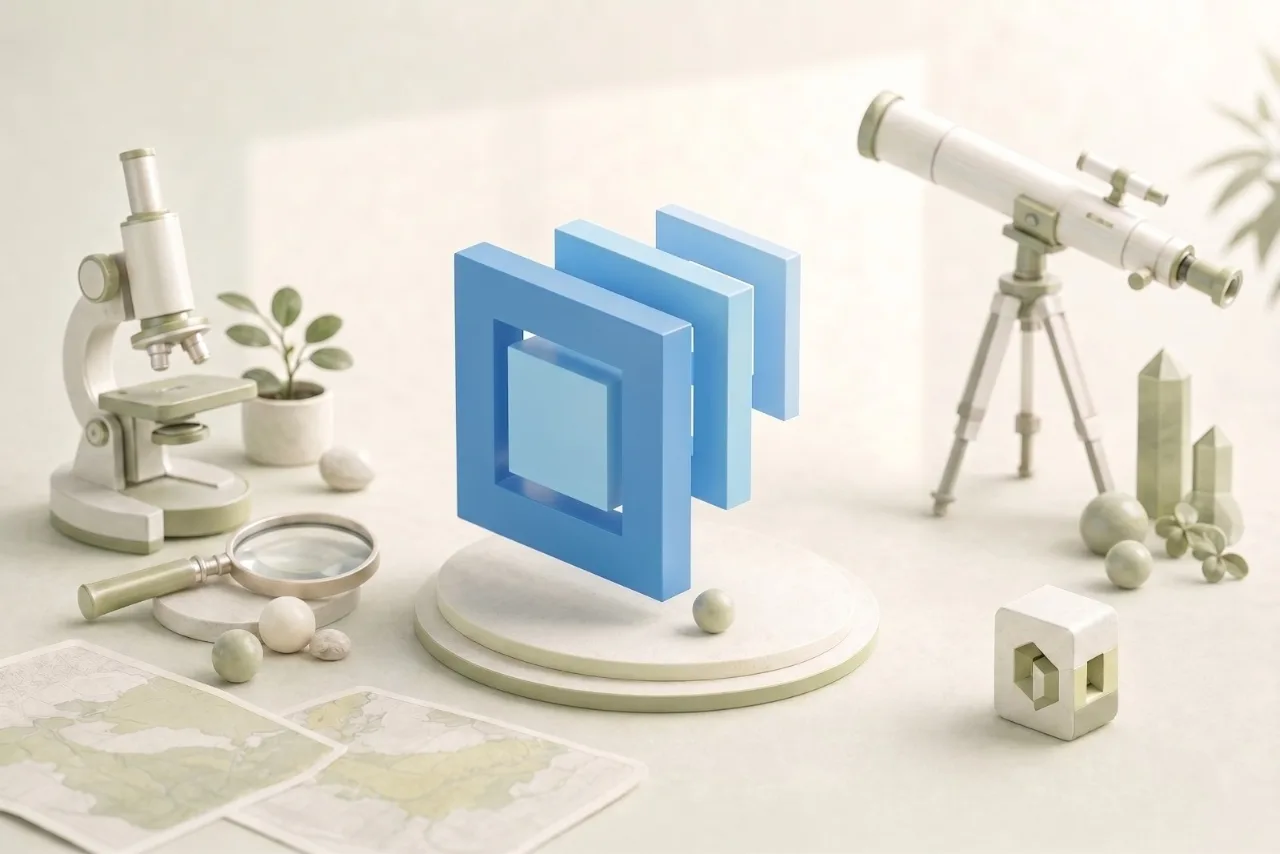
OpenUSD and MaterialX, in the BrowserNEW
Strongly improved OpenUSD 26.05 and MaterialX 1.39.5 support across Needle USD Viewer, Needle Cloud, and Needle Engine — host and share USD and MaterialX, with seamless three.js integration, lights, shadows and displacement, and a huge MaterialX performance boost.
Strongly improved OpenUSD 26.05 and MaterialX 1.39.5 support across Needle USD Viewer, Needle Cloud, and Needle Engine — host and share USD and MaterialX, with seamless three.js integration, lights, shadows and displacement, and a huge MaterialX performance boost.

Needle Engine for Blender 1.0.0NEW
A milestone release: completely redesigned UI, reflection probes, improved lightmapping, supercharged EventLists, 15+ new components, and support for Blender 4.2 LTS through 5.1.
A milestone release: completely redesigned UI, reflection probes, improved lightmapping, supercharged EventLists, 15+ new components, and support for Blender 4.2 LTS through 5.1.
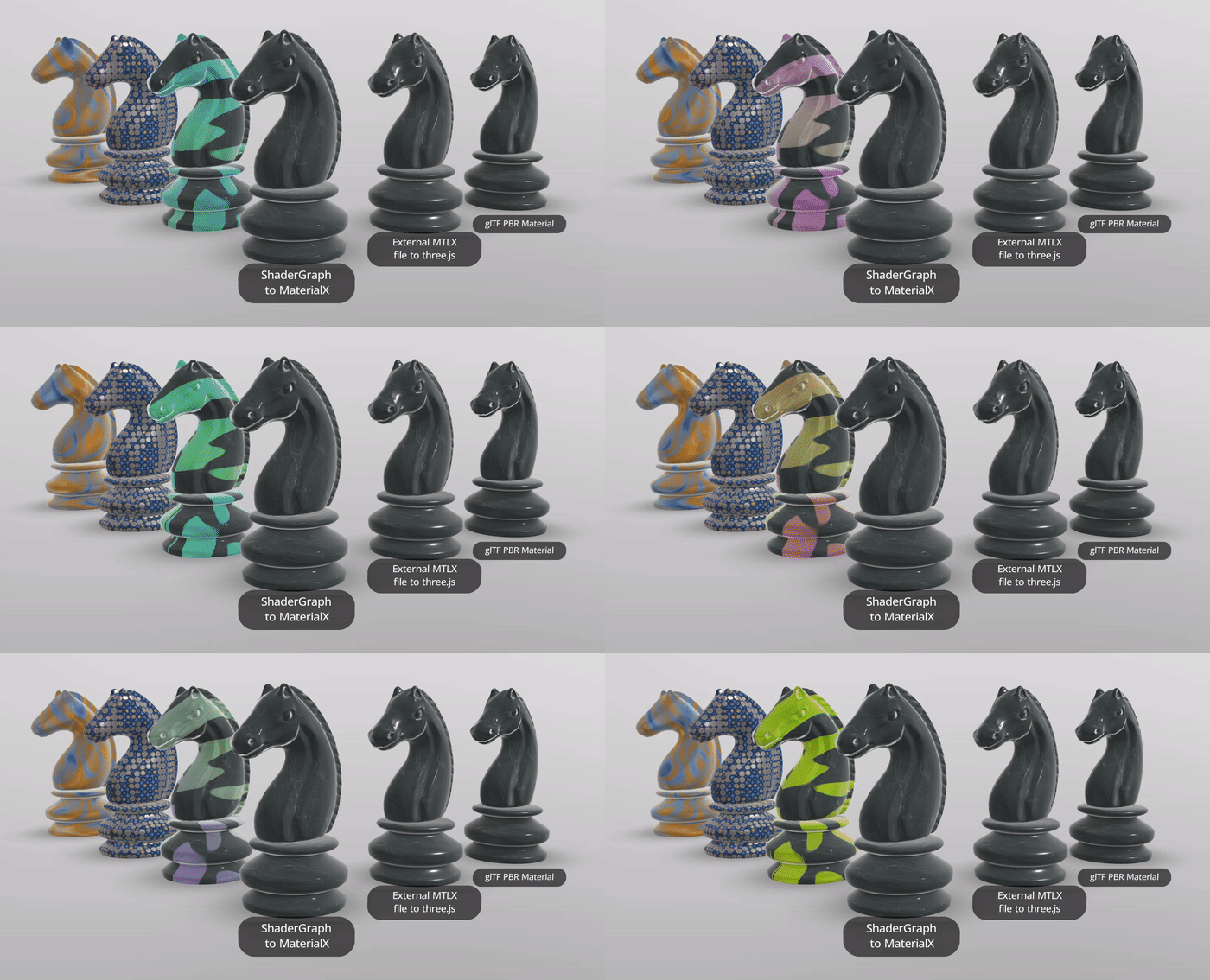
MaterialX: Displacement & ShadowsNEW
MaterialX materials now support vertex displacement (procedural and texture-based), realtime shadows, displacement animation, and alpha mode detection — all built into Needle Engine 5.
MaterialX materials now support vertex displacement (procedural and texture-based), realtime shadows, displacement animation, and alpha mode detection — all built into Needle Engine 5.