Needle Engine
Needle Engine is a web-first 3D framework built on three.js for building games, configurators, AR/VR experiences, and interactive websites.
Built-in: Rapier Physics | WebXR (incl. iOS) | Multiplayer & VOIP | Blender & Unity Integration
Built on three.js and the glTF standard, Needle Engine delivers flexible, extensible web experiences with built-in collaboration and XR support. Use it standalone with npm or with powerful editor integrations for Unity and Blender.
Quick Links
Changelog | Documentation | Samples | Showcase | API Reference
Getting Started
npm install @needle-tools/engine
Try it now on StackBlitz | Getting Started Guide
Code Examples
Custom Component
import { Behaviour, serializable } from "@needle-tools/engine";
export class MyComponent extends Behaviour {
@serializable()
speed: number = 1;
start() {
console.log("Component started on:", this.gameObject.name);
}
update() {
this.gameObject.rotateY(this.context.time.deltaTime * this.speed);
}
}
Physics with Rapier (built-in)
import { Behaviour, Rigidbody, BoxCollider } from "@needle-tools/engine";
export class PhysicsBox extends Behaviour {
awake() {
// Add a physics body — Rapier is built in, no extra install needed
const rb = this.gameObject.addComponent(Rigidbody);
rb.useGravity = true;
// Add a collider
this.gameObject.addComponent(BoxCollider);
}
}
Multiplayer with @syncField
import { Behaviour, syncField } from "@needle-tools/engine";
export class SyncedCounter extends Behaviour {
// Automatically synced across all connected clients
@syncField()
count: number = 0;
onPointerClick() {
// Reassign to trigger sync (this is required for sync to work)
this.count = this.count + 1;
}
}
Lifecycle Hooks (no component needed)
import { onStart, onUpdate } from "@needle-tools/engine";
onStart((context) => {
console.log("Engine started!");
});
onUpdate((context) => {
// Called every frame
});
Key Features
WebXR & AR — immersive experiences on Android and iOS
- WebXR support including WebXR on iOS
WebXRImageTracking— AR image targets with full tracking lifecycleWebXRPlaneTracking— AR surface detection- Interactive QuickLook for AR on Vision Pro
Scene & Asset Management
SceneSwitcher— load different scenes / hierarchies by URLAssetReference— runtime asset loading by URL- Multi-scene support with dynamic content loading
Physics & Interaction — Built-in Rapier physics engine
Rigidbody,BoxCollider,SphereCollider,MeshCollider— full physics simulationDragControls— click-and-drag 3D objects with zero codeSpatialTrigger— proximity and enter-zone detection
Multiplayer & Networking — real-time collaboration out of the box
SyncedRoom+@syncField()— automatic state synchronizationVoip— built-in WebRTC voice chatPlayerSync— player object sync on join/leaveSyncedCamera— camera sync for observer sessions- Low level networking events for full control
Rendering & Effects
- Advanced PBR rendering with lightmap support
- Post-processing (Bloom, DepthOfField, SSAO, ChromaticAberration, Tonemapping and more)
- Progressive texture and mesh loading with automatic LOD generation
Animation & Media
- Animation state machines and timeline animations
VideoPlayer— full video playback componentAudioSource— 3D spatial audio- Animate anything via KHR_animation_pointer
Framework Integration — works with React, Vue, Svelte, or vanilla JS/TS
Editor Integrations
Needle Engine works standalone with just npm — no editor required. For asset-heavy workflows, use our editor integrations:
Examples
| Preview | Example | Description | Links |
|---|---|---|---|
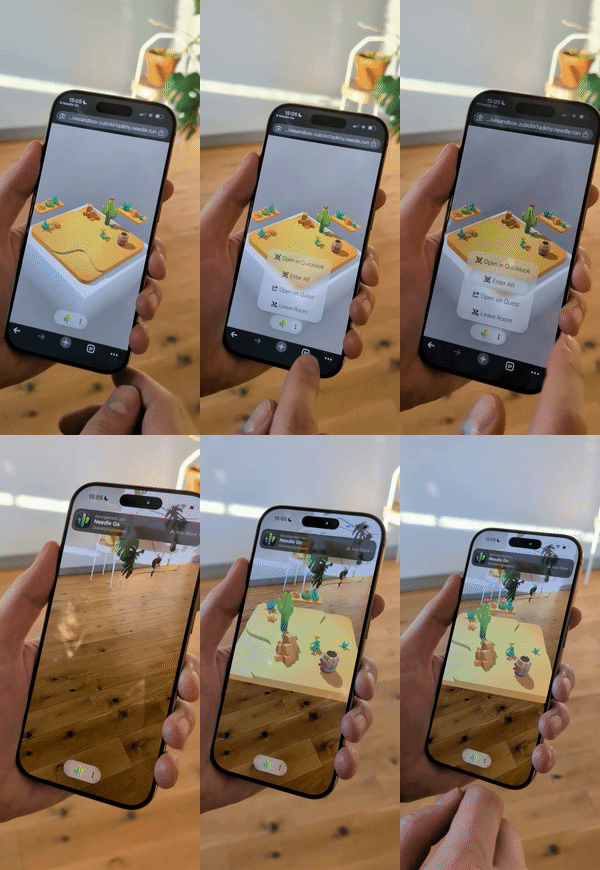 |
Multiuser Cross device experience, Desktop, AR & VR (Sandbox) | Real-time collaborative multiplayer sandbox experience with WebXR on Android and iOS | |
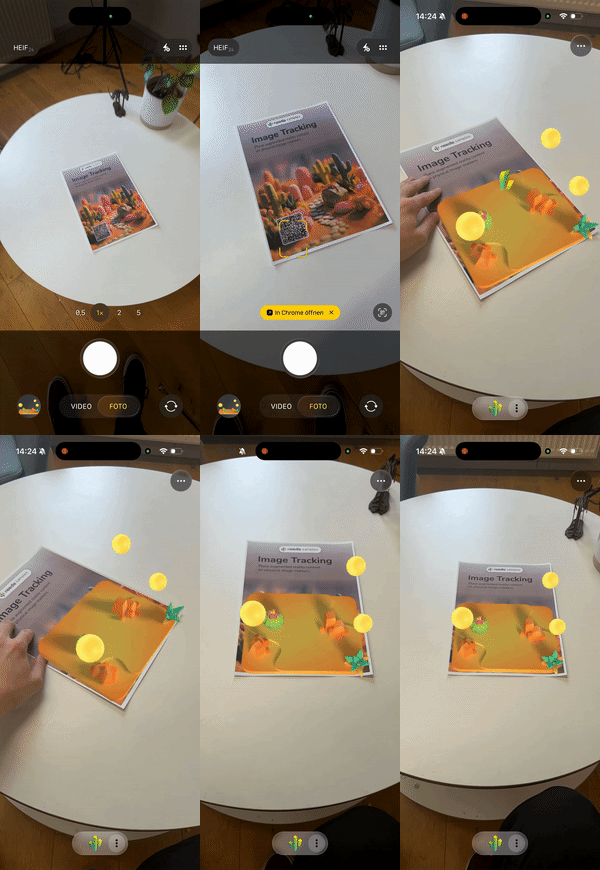 |
Image Tracking AR | AR image tracking example (iOS and Android). See docs | |
 |
Scrollytelling Bike Example | Timeline Animation using ScrollFollow, ViewBox and FocusRect | Project on Github |
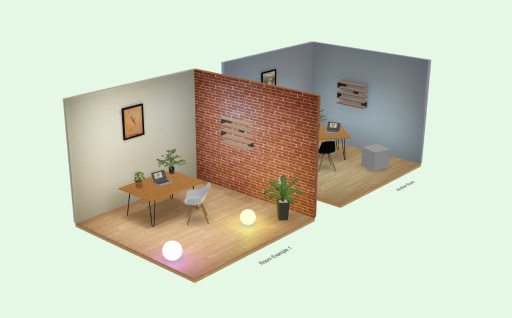 |
See-Through Walls | See-Through component sample | |
 |
Cursor Follow | Cursor Follow sample | |
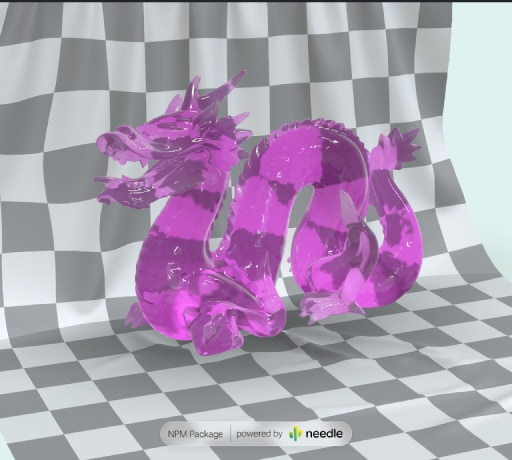 |
Animate Anything | Interactive animation system | Code on Stackblitz • three.js Example |
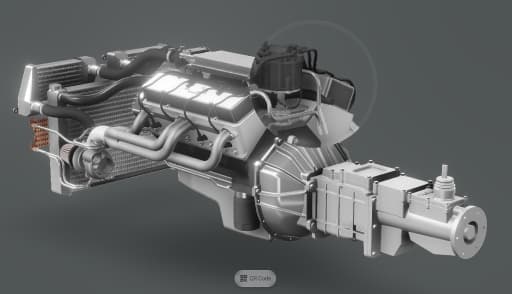 |
Postprocessing Effects | Custom magnifier effect with post-processing | Code on Stackblitz |
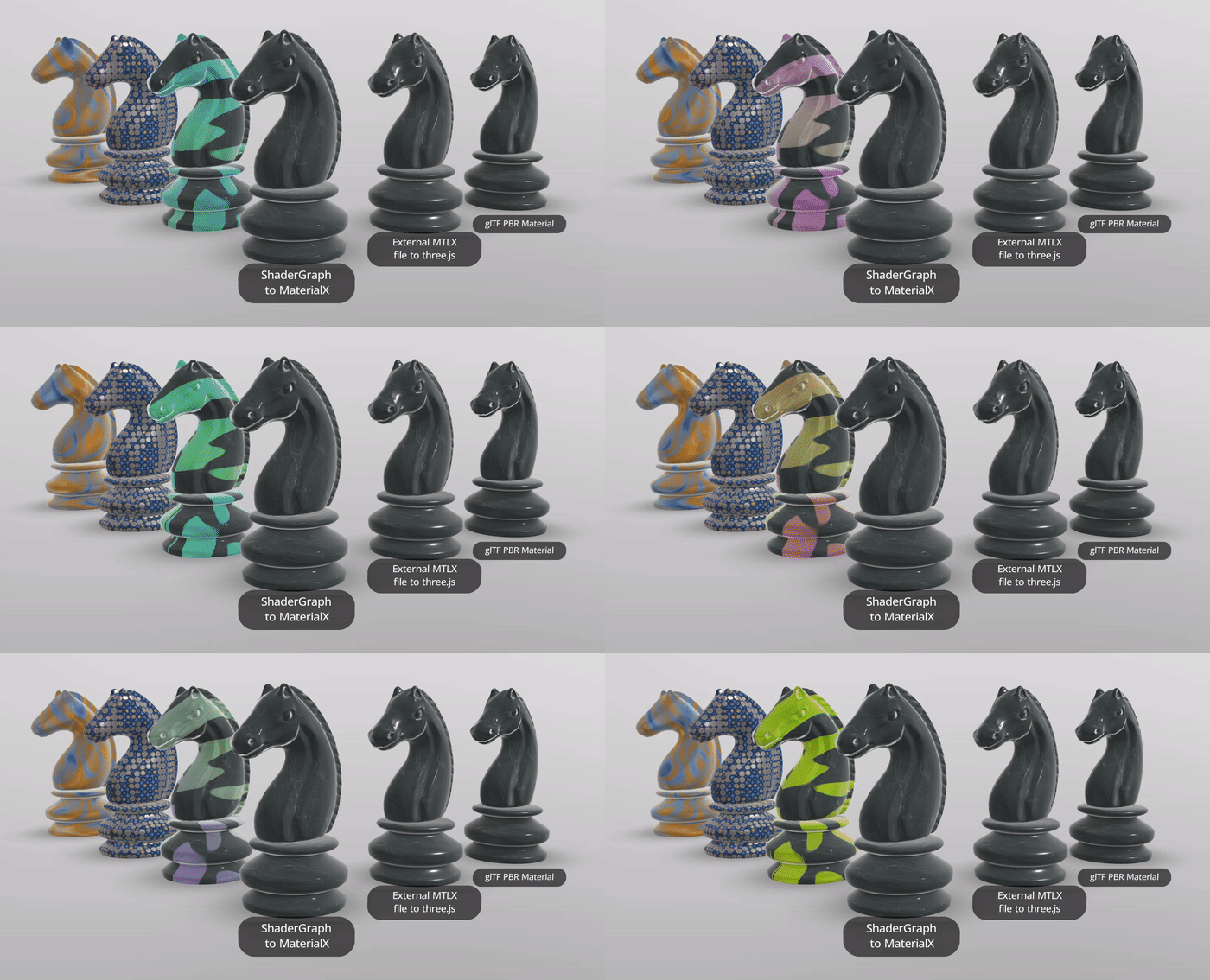 |
Unity ShaderGraph to MaterialX & mtlx materials | Using @needle-tools/materialx | |
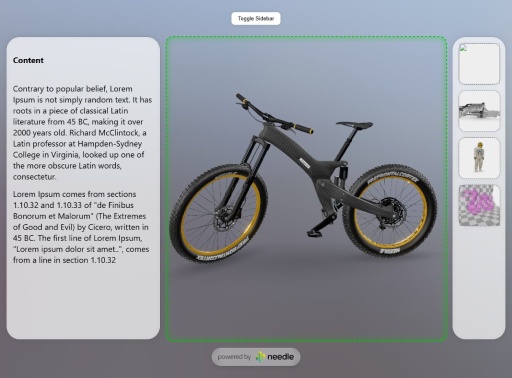 |
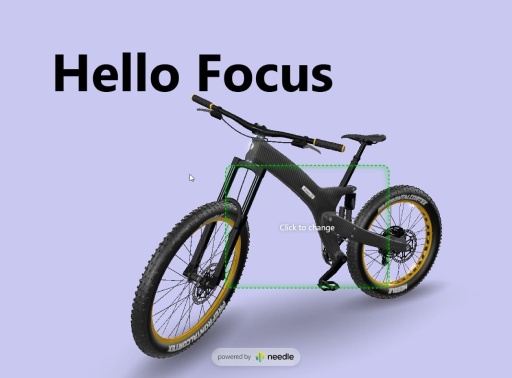
Camera Focus DIV 1 | Responsive layout with camera focus | Code on Stackblitz |
 |
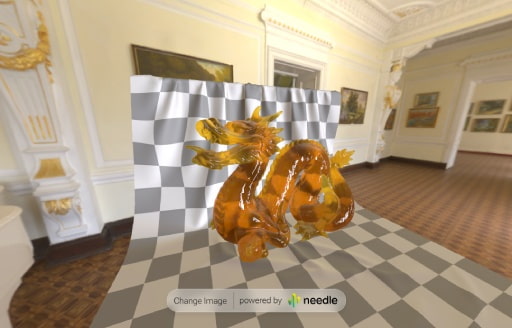
Camera Focus DIV 2 | Click-to-move camera focus example | Code on Stackblitz |
 |
FastHDR Loading | 10x faster than EXR, non-blocking, 95% less GPU memory | Code on Stackblitz • Learn more |
 |
Scrollytelling Example | Scroll, physics and cursor interaction: a playful 3D interactive scrollytelling website | Included in Samples Package |
| AR Restaurant | Interactive AR restaurant experience | Code on Github | |
| Custom Loading Overlay | Wait for LODs with custom loading states | Code on Stackblitz | |
| React Shopping Cart | E-commerce integration with React | Code on Stackblitz | |
👋 More examples on samples.needle.tools, docs.needle.tools and in the Needle Engine Stackblitz Collection
Contact ✒️
🌵 Needle •
Github •
Twitter •
Discord •
Forum •
Youtube
Recent Changes
[6.0.0-alpha.4] - 2026-10-01
- AR starts more reliably from iOS App Clips, and switching scenes keeps the camera view visible.
- Short Timeline audio clips now use their intended volume immediately when playback starts.
- Closing scenes releases resources more reliably, helping long sessions use less memory.
- Physics shapes stay aligned with rotated or scaled objects.
- Environment previews display correctly after reloads, and background blur responds as expected.
- Material and visibility fixes improve how models render.
- Model exports and production builds work with more project setups.
- Gizmo labels can stay visible in front of scene objects when needed.
[6.0.0-alpha.3] - 2026-08-13
- Add:
exportAsGLTFonlyVisibleoption to export only the visible objects - Add:
PostProcessing.enabledto toggle the whole postprocessing stack at runtime - Add: object layers can be set by name, not only by Unity layer index
- Fix: mirrored and negatively-scaled instances render correctly (NE-7069)
- Fix: XR hand and controller models render in both eyes again
- Fix: custom XR hand models are visible again, and
showHandModelsreliably shows/hides them - Fix: instantiated lights keep their targets and no longer leak into exports
- Fix: lower memory use over time — destroyed and detached objects (cloned textures, physics colliders, objects removed via the raw three.js API) are no longer pinned alive by engine registries
- Fix: AR passthrough hides the scene background across all camera clear-flag modes
- Change:
SyncedRoomwarns (in dev) when a URL parameter overrides the component'sroomName
[6.0.0-alpha.2] - 2026-07-30
Added
- Gaussian splats:
.radfile support — compressed splats in seekable chunks, enabling streaming and progressive loading of large splat scenes - Gaussian splats: automatic quality adaptation — quality is reduced under low fps in verified steps (a step that doesn't measurably help is reverted), including dynamic render-resolution scaling inside running AR sessions
Context.xrFrameRateLimit— cap the frame rate of XR sessions (applied through WebXRupdateTargetFrameRatewhere the device supports it); the mobile splat quality preset caps AR at 30 fps to keep phones cool- iOS AR (Needle Go): WebXR image tracking — markers are detected and tracked reliably, even in sessions that start before the scene has finished loading
- iOS AR (Needle Go): native AR diagnostics (tracking quality, marker validation, device thermal state) are forwarded to the browser console during development — debug on-device sessions without a cable
?debugsplatsquery flag for splat sorting/LOD diagnostics
Changed
- Splat quality presets tuned for mobile AR: per-device splat budgets, thermal-friendly defaults and reduced sorting overhead
Fixed
- iOS AR: correct render resolution on 3x displays — a significant performance boost on Pro-class iPhones
- iOS AR: sessions launched before the scene finished loading pick up the correct render scale once it completes
- Dev server: fast, reliable first page load on devices after a restart — the module graph is pre-warmed and interrupted boots recover automatically
[6.0.0-alpha.1] - 2026-07-17
Added
GaussianSplatcomponent (experimental) — load.ply/.spz/.sogsplats via Spark, with LOD and correct raycasting/bounds- WebXR: anchors (
useAnchors) are now enabled by default .usdcfile type / MIME handling for model loading
Changed
- Updated bundled three.js to r185
- Updated MaterialX runtime
- Improved XR error messaging when a session can't start
Fixed
- WebXR:
setSessionnow works with WebXR emulators/polyfills that supply a non-native session (falls back to theXRWebGLLayerpath) - Bounds are reported as incomplete for still-loading async objects, and
GroundProjectionre-fits once they're ready - Raycasting and bounds now work for non-
Meshobjects (e.g. splats) - Custom model loaders are no longer tree-shaken out in code-only projects
- SSR: various import/emit fixes
- Postprocessing: pipeline build failures are now surfaced instead of failing silently