Needle Engine
Needle Engine is a web engine for high quality 3D applications with performance in mind.
Built on three.js and the glTF standard, Needle Engine delivers flexible, extensible web experiences with built-in collaboration and XR support.
Quick Links
🏓 Changelog • 📑 Documentation • 🧠 Sample Scenes • 💎 Showcase
Key Features
🎮 Development Experience
- Component system with easy custom component creation
- Unity and Blender integrations for familiar workflows
- Multi-scene support with dynamic content loading
🌐 Web & XR Ready
- WebXR support for immersive experiences
- iOS QuickLook support for interactive AR
- Built-in networking and collaboration
⚡ Performance Optimized
- Progressive texture and mesh loading
- Automatic LOD generation for textures and meshes
- Advanced PBR rendering with lightmap support
🎬 Animation & Effects
- Animation state machines and timeline animations
- Physics simulation
- Post-processing effects
- Animate anything with ease
Editor Integrations
Powerful integrations for Unity and Blender allow artists and developers to collaborate and manage web applications inside battle-tested 3d editors. Needle Engine integrations allow you to use editor features for exporting models, author materials, animate and sequence animations, bake lightmaps and more.
Getting Started
Quick Start with npm:
npm install @needle-tools/engine
Or use our Editor Integrations: Follow the Getting Started Guide to download and install Needle Engine with Unity or Blender.
Explore Examples: Try our interactive samples to see what's possible ⚡
Available under commercial and educational licenses
Examples
| Preview | Example | Description | Links |
|---|---|---|---|
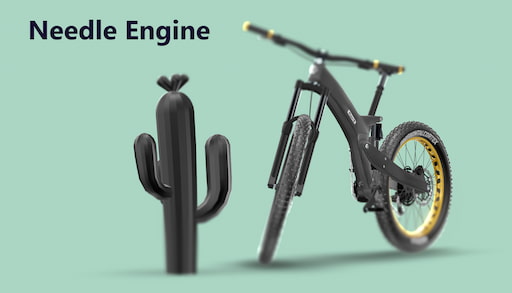 |
Scrollytelling Bike Example | Timeline Animation using ScrollFollow, ViewBox and FocusRect | Project on Github |
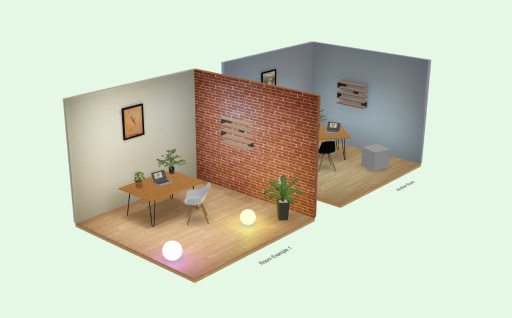 |
See-Through Walls | See-Through component sample | |
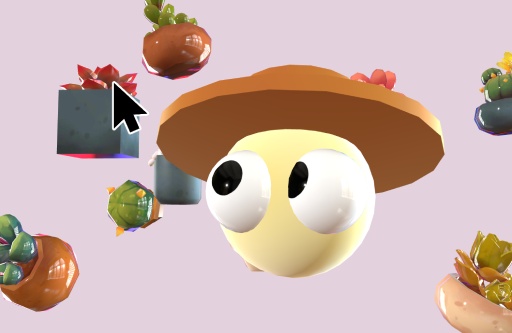 |
Cursor Follow | Cursor Follow sample | |
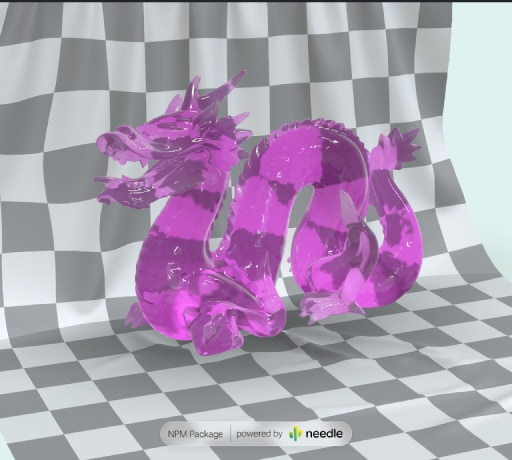 |
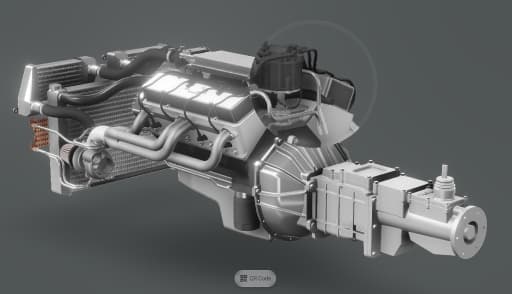
Animate Anything | Interactive animation system | Code on Stackblitz • three.js Example |
 |
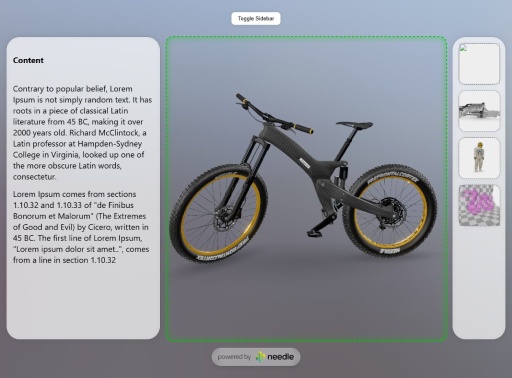
Postprocessing Effects | Custom magnifier effect with post-processing | Code on Stackblitz |
 |
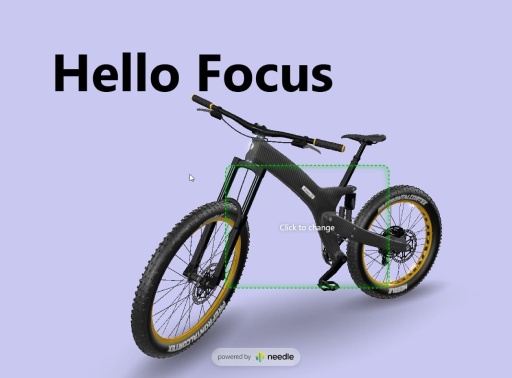
Camera Focus DIV 1 | Responsive layout with camera focus | Code on Stackblitz |
 |
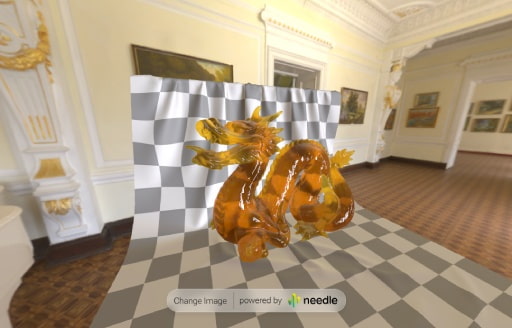
Camera Focus DIV 2 | Click-to-move camera focus example | Code on Stackblitz |
 |
FastHDR Loading | 10x faster than EXR, non-blocking, 95% less GPU memory | Code on Stackblitz • Learn more |
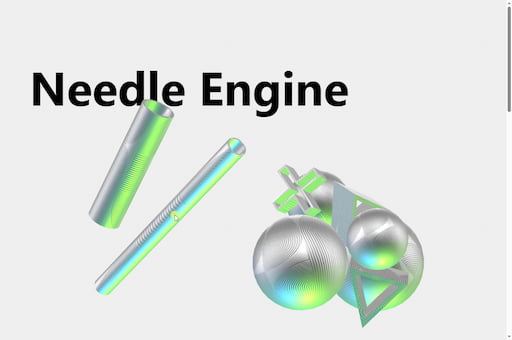 |
Scrollytelling Example | Scroll, physics and cursor interaction: a playful 3D interactive scrollytelling website | Included in Samples Package |
| AR Restaurant | Interactive AR restaurant experience | Code on Github | |
| Custom Loading Overlay | Wait for LODs with custom loading states | Code on Stackblitz | |
| React Shopping Cart | E-commerce integration with React | Code on Stackblitz | |
👋 More examples on samples.needle.tools, docs.needle.tools and in the Needle Engine Stackblitz Collection
Contact ✒️
🌵 Needle •
Github •
Twitter •
Discord •
Forum •
Youtube
Recent Changes
[4.12.0-beta.1] - 2025-12-04
- NEW: Intellisense support for the
<needle-engine>web component and its attributes, both in HTML and in code. Thecustom-elements.jsonallows for VSCode intellisense support, whileHTMLElementTagNameMapandget/setAttributeoverloads bring code completion and documentation. - Add: exposed
createColliderAPI for the Rapier physics engine - Add: an
beforeLODExportcallback for USDZ export. This allows overriding which LOD level gets exported per object. - Add:
?spector=#frameURL parameter to enable a Spector.js capture on the specified frame number after page load. Make sure to install the Spector.js browser extension. You can optionally specify a frame number for capturing:?spector=15. - Add: auto-registration of custom elements for easier discovery of available web components in Needle Engine. You can disable this feature by setting
noCustomElementDatato false in vite config. To manually register custom elements data, add it to your workspace or.vscode/settings.jsonvia thehtml.customDatasetting. - Improve: detection of user interactions to enable media playback
- Improve: JSDoc documentation for Everywhere Actions and other components
- Fix: issue with callbacks on freshly destroyed components when leaving XR sessions
- Fix: Instancing issue with growing vertex/index buffers when not necessary
- Fix: Instancing and texture LODs
- Fix: Issue with
<needle-engine>element being moved in the DOM - Fix: Better type declarations in package.json
[4.11.5] - 2025-10-31
- Fix: Timeline cloning with
instantiate(forum 2733) - Fix: Renderer
sharedMaterialsbeing null in awake - Fix: Issue where lightmapped materials were cloned
- Fix: Apply lighting intensity multiplier in root scene
- Fix: GLTF extensions when loading scene with Blob URL
- Improve JSDoc documentation
[4.11.4] - 2025-10-24
- Add:
qrcode-logo-srcattribute to<needle-engine>web component to override the logo displayed in the QR code button. Requires PRO license. - Improve JSDoc documentation
[4.11.3] - 2025-10-21
- Fix: See-Through with MeshPhysicalMaterial