 Needle Engine
Build 3D web experiences that work everywhere. From browser to VR headsets, mobile AR to iOS WebXR – create once, deploy anywhere. No app stores, no waiting, no limitations.
Why Needle Engine?
🚀 Deploy Instantly to the Web Build on your machine, deploy anywhere. Share your 3D experiences with a simple URL or QR code. No app stores, no waiting for approval, no installation required.
🌐 True Cross-Platform One codebase runs everywhere – desktop, mobile, VR headsets (Meta Quest, Apple Vision Pro), and mobile AR including native iOS WebXR support. When new XR devices launch, your apps work automatically.
🎨 Work in Unity, Blender, or Pure Code Full-featured integrations for both Unity and Blender — modeling, materials, animations, lightmaps, and more. Or skip the editors entirely and build from code with three.js.
🎯 Built-in Rapier Physics Full physics simulation with rigidbodies, colliders, raycasting, and character controllers – powered by Rapier, ready to use with zero setup.
🤝 Multiplayer & XR Built-In Collaboration and XR aren't afterthoughts – they're core features. Add multiplayer, voice chat, or immersive XR with a single component.
⚡️ Optimized for Performance Powerful compression and optimization pipeline ensures your files are small and load fast. Built on the glTF standard for maximum compatibility.
What's New
Latest features, updates, and documentation changes
Needle Engine for Blender 1.0.0
A milestone release: completely redesigned UI, reflection probes, improved lightmapping, supercharged EventLists, 15+ new components, and support for Blender 4.2 LTS through 5.1.
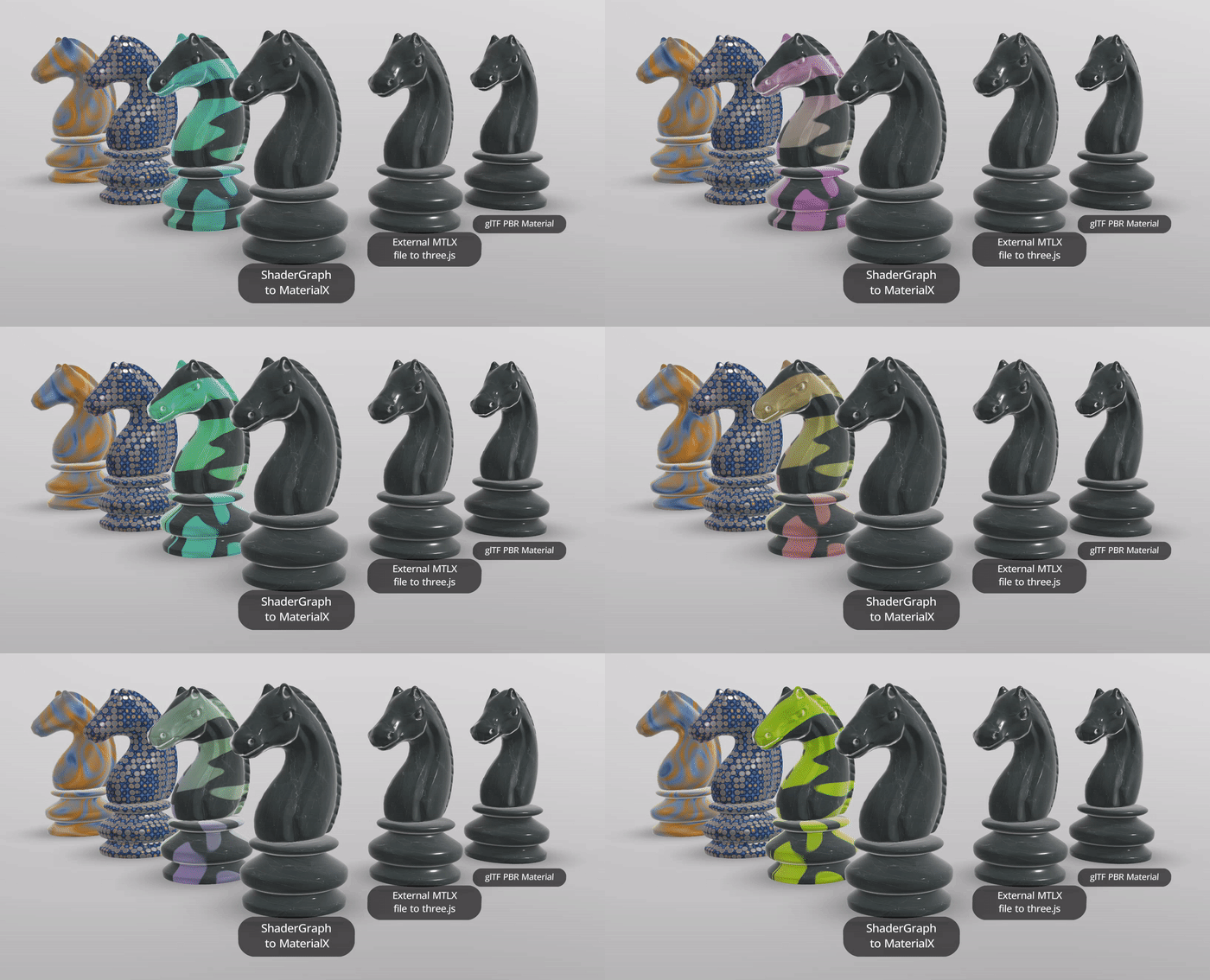
MaterialX materials now support vertex displacement (procedural and texture-based), realtime shadows, displacement animation, and alpha mode detection — all built into Needle Engine 5.
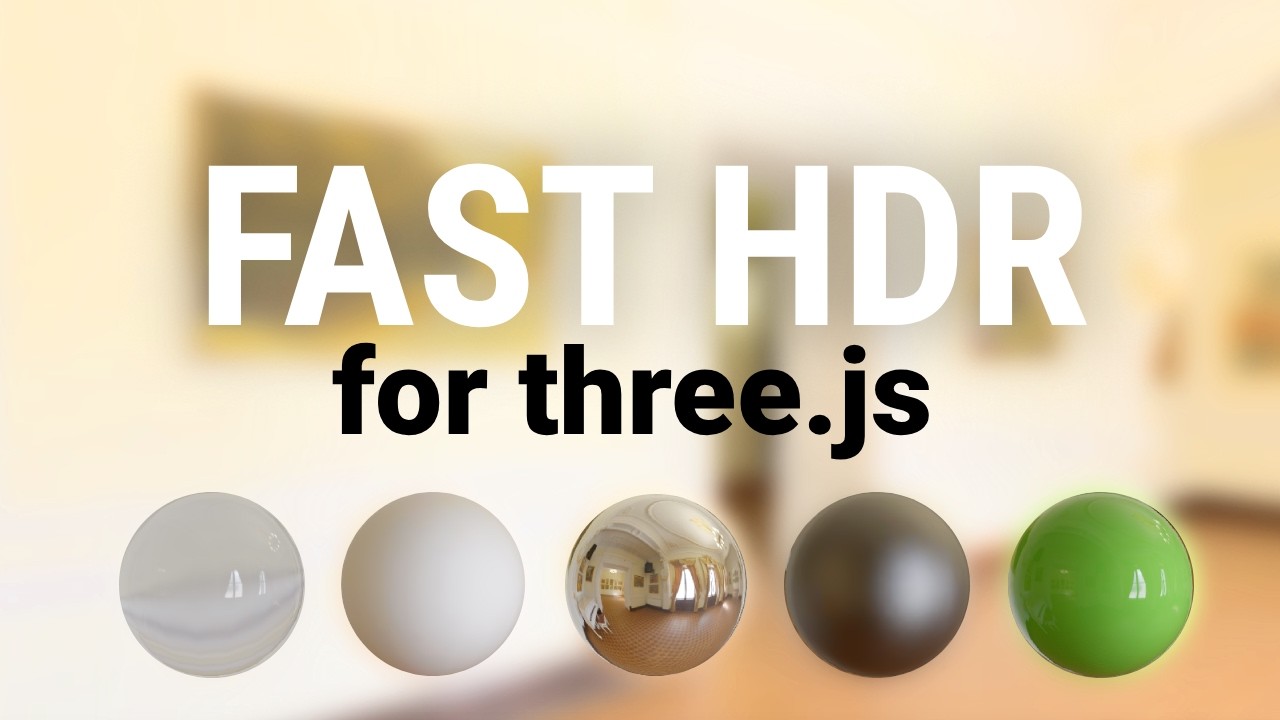
Coming to Needle Engine: environment lighting that loads 10x faster, uses 95% less VRAM, and needs zero CPU processing. Works on every device — even budget phones.
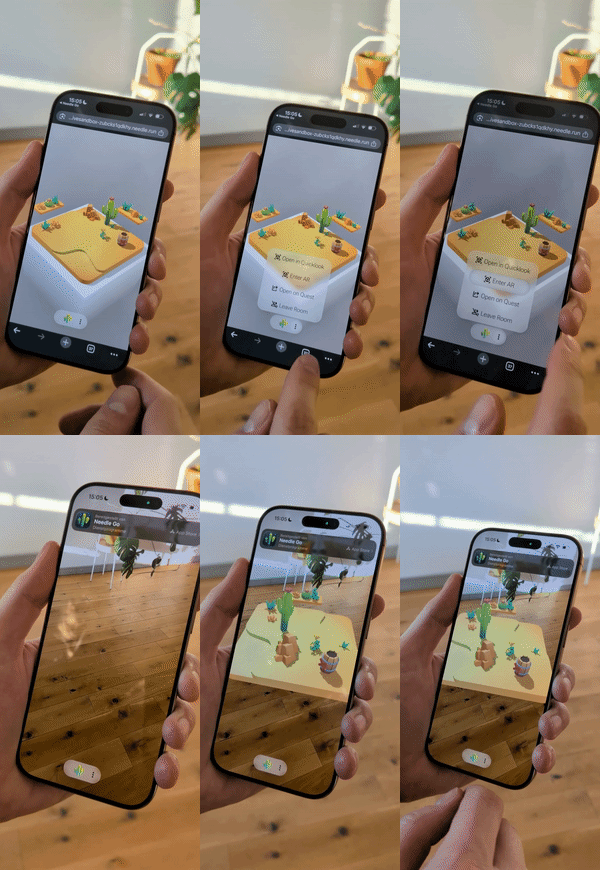
Full WebXR AR on iPhone and iPad — no app install needed. Powered by ARKit via App Clips, launched instantly from any link or QR code.
Choose Your Path
🎓 Learning
Start with step-by-step tutorials
Perfect for newcomers who want to learn the fundamentals.
Build with AI
Install the Needle Engine skill to give your AI coding assistant built-in knowledge of the engine. Works with Claude Code, Cursor, GitHub Copilot, Codex, Gemini CLI, and many more. Auto-installs via the Vite plugin, or install manually:
npx skills add needle-tools/aiYou can also connect AI to your live 3D scenes with the Needle MCP Server.
What Our Users Say